602-448-9676

Free Penetration Test
Request a free Penetration Test for businesses looking to identify system and network vulnerabilities to determine risk through a qualified third-party.
or call us at 602-448-9676
Fresh Eyes See Things Others Cannot
According to OWASP, pen testers succeeded in breaching the network perimeter and accessed the local network of 93% of tested companies.
At 61% of the companies, they found at least one simple way to obtain control of infrastructure.
47% of all pen tester's actions blend in with the usual activities of users or administrators, so attacks may go unnoticed.

What to Expect

Test Initiation
We send you a Pen Test link for you to click on, simulating what happens when a malicious link in an email is clicked

Penetration Test Execution
Let the pen test run. On average, this takes between five minutes to an hour. Go about your normal routine as it runs

Comprehensive Analysis
We analyze the results of your pen test and present our findings as to what a hacker would find on your network

Actionable Insights
We provide comprehensive insights into how you should remedy any major issues and improve your cybersecurity posture
What You'll Find Out
After the Pen Test, you will have a better understanding of where your network and system vulnerabilities lie and understand your risk. We will review our findings which will include:
Security Patches Weaknesses
Vulnerability Management Issues
Network Perimeter Defenses
Crackable Passwords
High-Risk Data Leaks
Malware Defenses

Claim Your Free Penetration Test
Make more informed decisions regarding the security of your business.
or call us at 602-448-9676

“We felt it was very important to not only understand our systems from the view of a third-party looking in but also to be able to create a roadmap to address what we need to work on.”
Duane Wilkes - CFO, Berge Automotive Group
Related Blog Articles
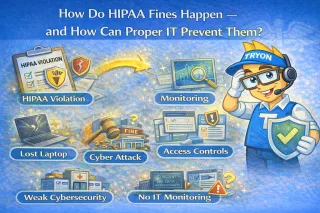
How Do HIPAA Fines Happen — and How Can Proper IT Prevent Them?
HIPAA fines often come from preventable gaps: unencrypted lost devices, weak access controls, missing risk assessments, and poor documentation. Proper IT reduces risk with encryption, MFA, firewalls/E... ...more
Onlinebusiness
March 13, 2026•1 min read
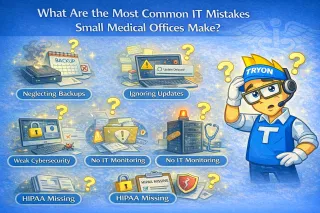
What Are the Most Common IT Mistakes Small Medical Offices Make?
Small medical offices often make avoidable IT mistakes: break-fix support, untested backups, weak passwords/no MFA, skipped patching, assuming HIPAA is “handled,” no incident response plan, and underi... ...more
Onlinebusiness
March 11, 2026•2 min read
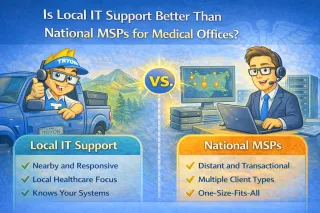
Is Local IT Support Better Than National MSPs for Medical Offices?
Local IT often fits small medical offices (5–15 staff) better: faster onsite response, stronger accountability, and better workflow/HIPAA familiarity. National MSPs offer scale but may be remote-first... ...more
Onlinebusiness
March 09, 2026•2 min read
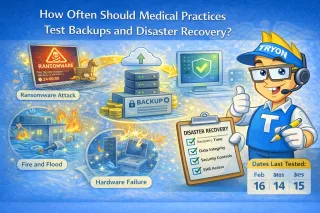
How Often Should Medical Practices Test Backups and Disaster Recovery?
Medical practices should verify backups monthly, run restore tests quarterly, and review disaster recovery annually. Untested backups often fail due to corruption or config changes. HIPAA expects reco... ...more
Onlinebusiness
March 06, 2026•1 min read
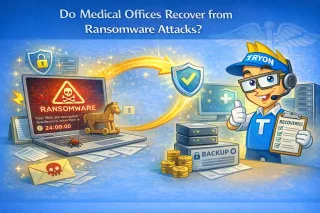
How Do Medical Offices Recover from Ransomware Attacks?
Medical offices recover from ransomware by isolating infected systems, assessing impact and entry point, restoring from secure encrypted offsite backups (prioritizing EHR), hardening security (patches... ...more
Onlinebusiness
March 02, 2026•1 min read
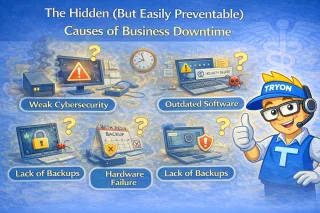
The Hidden (But Easily Preventable) Causes of Business Downtime
Downtime is usually caused by everyday issues—spills, deleted files, bad updates, or aging hardware—not big disasters. The real cost comes from slow recovery. Fast restores, backups, and quick device ... ...more
Backups
March 01, 2026•4 min read
Get started securing your business.
Call us at 602-448-9676 or schedule your discovery call with Tryon Computers, today!
Join Our Community


Stay Connected
Learn
Blog
Events
All Resources
About Us
Who We Are
Our Approach
Careers
Service Area
© 2024 Tryon Computers llc | Terms of Use | Privacy Policy