602-448-9676
Tryon Computers IT Blog
One Step Secure IT's blog provides thought leadership, education, and cyber awareness to keep your business secure in an unsecure world.
How Often Should Medical Practices Test Backups and Disaster Recovery?
How Often Should Medical Practices Test Backups and Disaster Recovery?
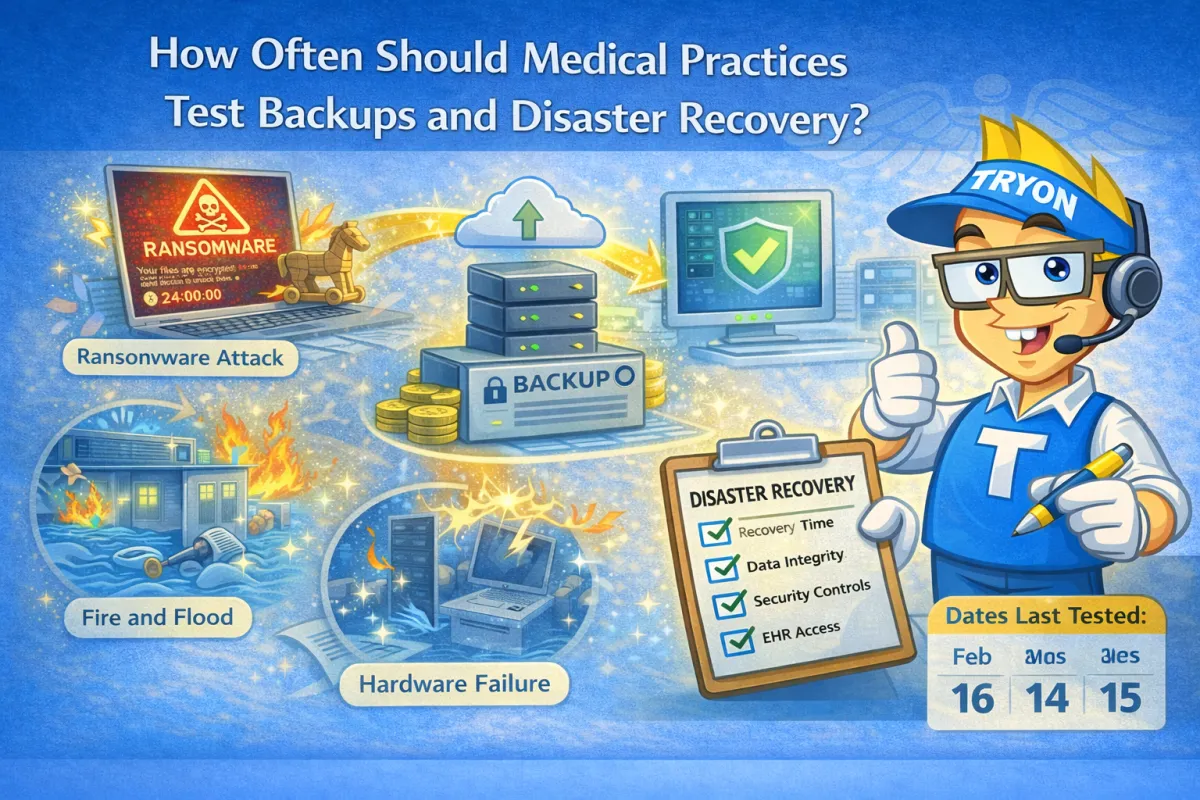
Medical practices should verify backups monthly, perform restore tests quarterly, and review disaster recovery plans at least annually. For practices with 5–15 employees, untested backups are one of the most common causes of extended downtime during ransomware attacks or system failures. HIPAA expects backups to be recoverable and verifiable, not just running quietly in the background.
Why Backup Testing Is Critical for Healthcare
Backups can fail due to:
Incomplete jobs
Corrupt data
Configuration changes
Storage issues
Without testing, failures go unnoticed until it’s too late.
How Often Backups Should Be Tested
A practical healthcare schedule includes:
Monthly: Backup job verification
Quarterly: File and system restore tests
Annually: Full disaster recovery review
This balances compliance with operational reality.
What a Proper Backup Test Includes
Effective testing verifies:
Files can be restored
Applications run correctly
EHR data is intact
Recovery time meets expectations
Testing proves backups actually work.
Disaster Recovery vs Simple Backups
Backups protect data.
Disaster recovery protects operations.
Disaster recovery includes:
System restoration
Network availability
User access
Downtime planning
Both are necessary in healthcare.
Who Should Manage Backup Testing
Backup testing should be:
Managed by IT professionals
Documented for compliance
Reviewed regularly
Relying on busy internal staff increases risk.
Why Tryon Computers Manages Backups Proactively
Tryon Computers provides encrypted backups, regular testing, and disaster recovery planning for medical and dental practices in the White Mountains, AZ, helping ensure data is recoverable when it matters most.

Get started securing your business.
Call us at 602-448-9676 or schedule your discovery call with Tryon Computers, today!
Join Our Community


Stay Connected
Learn
Blog
Events
All Resources
About Us
Who We Are
Our Approach
Careers
Service Area
© 2024 Tryon Computers llc | Terms of Use | Privacy Policy