What Happens During a HIPAA IT Risk Assessment for a Medical Office?
What Happens During a HIPAA IT Risk Assessment for a Medical Office?
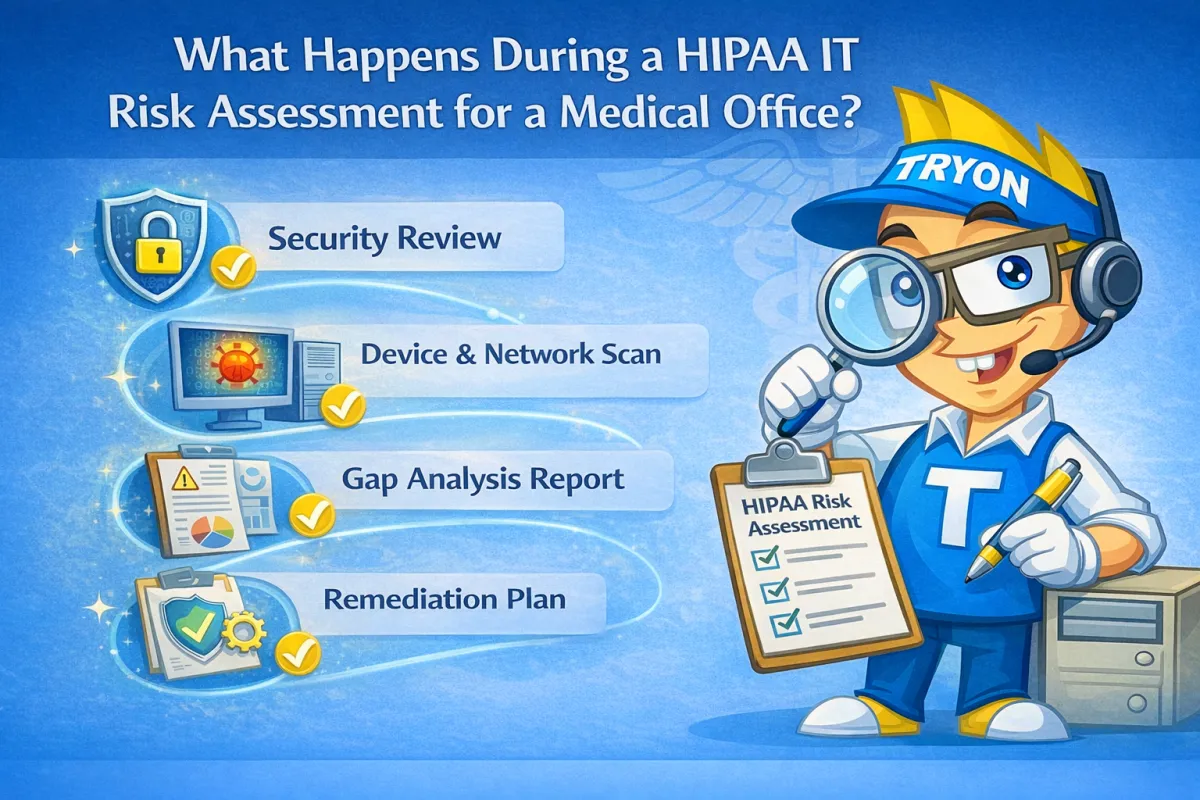
A HIPAA IT risk assessment includes five core steps designed to identify vulnerabilities in how patient data is protected. For medical offices with 5–15 employees, this process reviews systems, access controls, backups, and policies to uncover risks that could lead to HIPAA violations or data breaches. Risk assessments are a required HIPAA safeguard, not a one-time task.
1. System and Device Inventory
The assessment begins by reviewing:
Workstations and laptops
Servers and network equipment
Firewalls and Wi-Fi
Cloud services and EHR systems
Every system touching patient data must be accounted for.
2. User Access and Permissions Review
This step evaluates:
User accounts and permissions
Role-based access
Multi-factor authentication usage
Terminated employee access
Improper access is one of the most common HIPAA failures.
3. Security Controls and Protections
Next, the assessment reviews:
Antivirus or endpoint detection
Patch management
Firewall and email security
Monitoring and alerting tools
Outdated or missing protections increase breach risk.
4. Backup, Recovery, and Incident Planning
This step checks:
Backup encryption and storage
Backup testing and recovery times
Ransomware preparedness
Downtime and response planning
Backups must be tested to be considered compliant.
5. Documentation and Risk Scoring
The final step provides:
A list of identified risks
Severity levels (low, medium, high)
Recommended remediation steps
Documentation for HIPAA records
This documentation proves due diligence during audits.
Why Practices Choose Tryon Computers
Tryon Computers performs HIPAA-focused IT risk assessments for medical and dental offices in the White Mountains, AZ, providing clear findings, practical fixes, and ongoing guidance to reduce compliance risk.
